

Event Organizers Ordering Just One Sample
Before placing your full event order, you may want to print one event t shirt sample to confirm:
Ordering a single sample through our website is easy and takes only a few minutes. |
|

⭐ Step 1 – Visit the Website
|
Go to https://customtshirtprintingonline.com.au/ Choose the garment you want:
|
|

(We recommend choosing the exact garment you plan to use for the final event order.)
Click the shirt Icon on the page. It will take you to the Online Designer.
⭐ Step 2 – Choose “1 Shirt”
|
Select your:
Click “Add Design” or “Add Text” or “Start Designing”. You can choose to add both if you want. |
|

⭐ Step 3 – Upload Your Event Artwork
|
Upload:
We accept PNG, JPG, PDF, SVG, AI, EPS. |
|
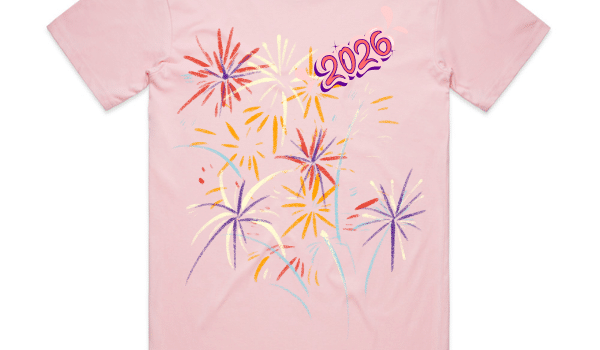
Tips:
-
Use a high-resolution file
-
Remove backgrounds if needed
-
Confirm colours match your branding
- For Pantone colours always select DTF printing. You will be prompted to pick either DTG Printing Design
⭐ Step 4 – Preview Your Sample Shirt
Use the online design tool to:
-
Preview front/back
-
Adjust size & placement
-
Check alignment
-
Verify colours
-
Add text if needed
This mockup helps ensure the final bulk order will look perfect.
⭐ Step 5 – Complete Checkout
You can:
-
Choose express or standard delivery
-
Or request pickup from Brisbane or Melbourne
Pickup locations:
Brisbane – 80 Bellevue Avenue, Gaythorne
Melbourne – 20 Rose Street, Fitzroy
⭐ Step 6 – Approve Your Sample
Once your sample arrives:
-
Confirm print quality
-
Check fabric feel
-
Review sizing
-
Show your team or event committee
-
Confirm sponsor placement
If you’re happy, you can proceed with your bulk event order.
If you need changes, we’ll help adjust artwork before the final print run.